
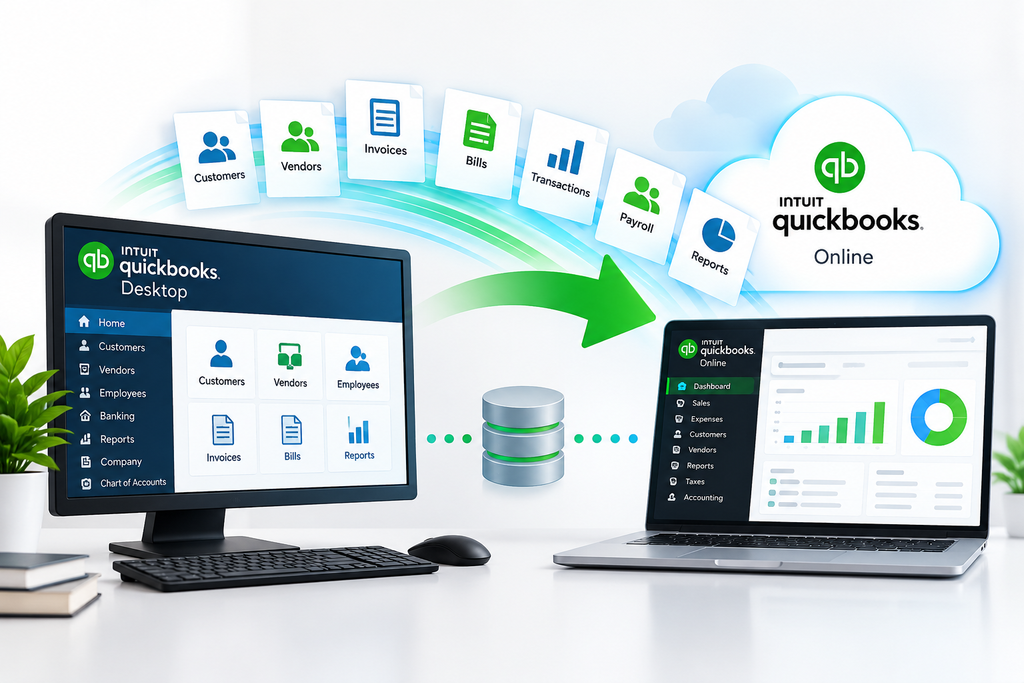
QuickBooks Data Migration Service
Move your accounting data with confidence with professional QuickBooks data migration assistance from QB Desktop Accounting. Whether you are moving from QuickBooks Desktop to QuickBooks Online, upgrading to a supported software version, or converting a company file, we can help you understand the migration process and address common data transfer challenges.
Our QuickBooks data migration support is designed for small businesses, accountants, bookkeepers, and financial professionals across the United States and Canada. We help customers evaluate compatibility requirements, prepare company files, troubleshoot migration issues, and review accounting records after migration.
Need help with your QuickBooks migration? Contact our team to discuss your requirements and available options.

Professional QuickBooks Data Migration Support
Moving your accounting data to a new platform requires careful planning. Your company file may contain years of financial transactions, customer records, vendor details, invoices, bills, payroll information, and account balances. If the migration process is not properly evaluated, you may encounter compatibility issues or discrepancies that require additional investigation.
QB Desktop Accounting provides QuickBooks data migration assistance to help businesses understand their migration requirements before transferring their accounting records. We help identify potential compatibility concerns, explain available migration options, and provide guidance on preparing and reviewing company data.
Whether you use QuickBooks Desktop Pro, Premier, Enterprise, or another supported QuickBooks product, the appropriate migration approach depends on your current software, destination platform, company file condition, and business requirements.
Our goal is to help you approach your QuickBooks data migration with a clear plan and an understanding of the steps involved.
Our QuickBooks Data Migration Services
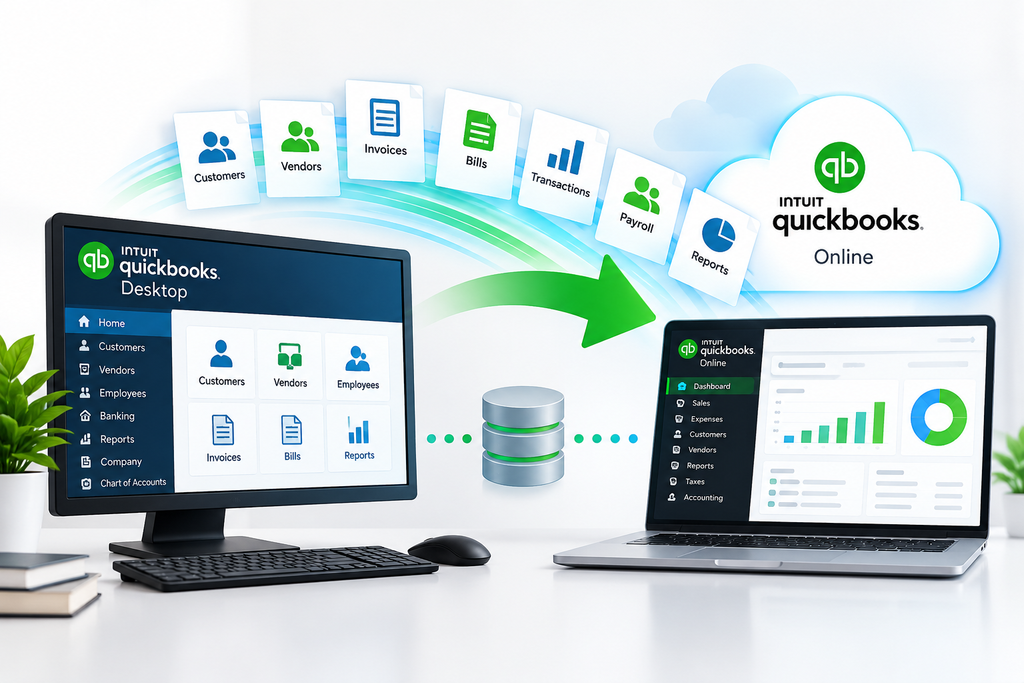
QuickBooks Desktop to QuickBooks Online Migration
Planning to move your accounting operations to the cloud? QuickBooks Desktop to QuickBooks Online migration involves transferring supported company data from your desktop accounting environment to an online platform.
Before starting the migration, it is important to evaluate your company file, accounting workflows, reporting requirements, and any specialized features your business uses.
Our migration assistance can help you understand the preparation process, identify compatibility considerations, troubleshoot common transfer issues, and review relevant accounting records after migration.
We also help customers understand that some features, historical information, and specialized records may require separate handling or may not transfer in exactly the same way.
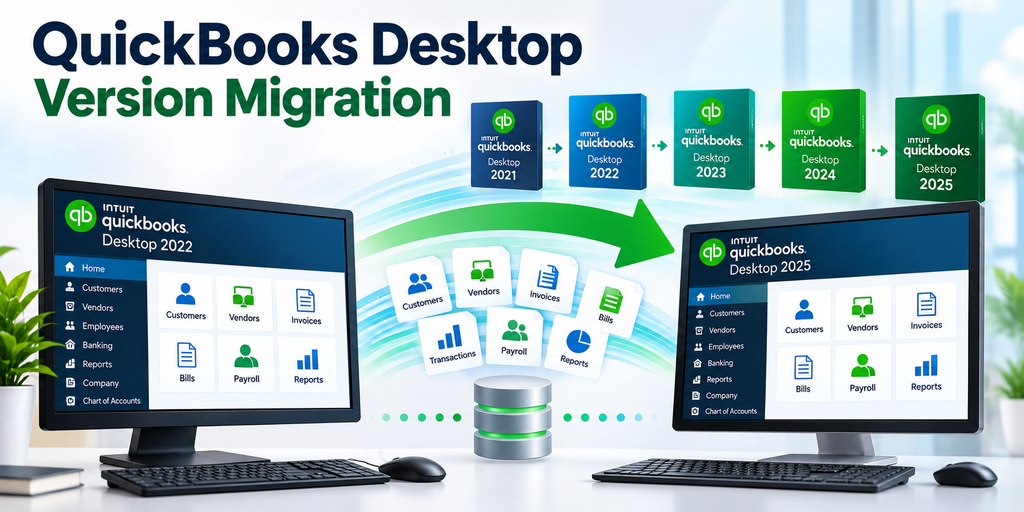
QuickBooks Desktop Version Migration
Businesses sometimes need to move their accounting data when changing QuickBooks Desktop versions. A successful transition requires checking the source and destination versions, company file compatibility, and any specific requirements associated with the software.
Our QuickBooks Desktop migration assistance helps customers evaluate their options, prepare company files, and address common problems encountered during supported version transitions.
Before proceeding, we recommend creating a verified backup of your original company file and reviewing important financial reports.
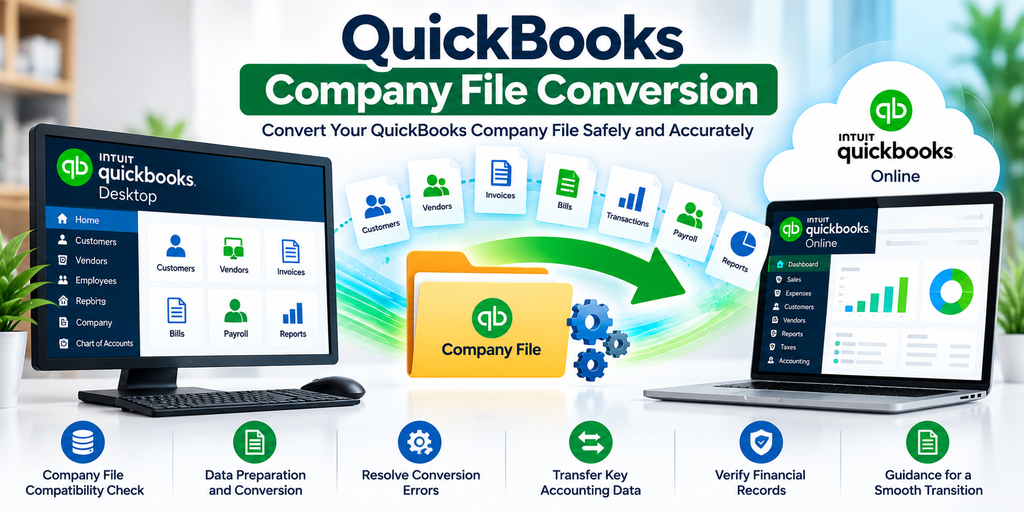
QuickBooks Company File Conversion
QuickBooks company files contain important accounting information that must be handled carefully during conversion.
Company file conversion may involve compatibility checks, file preparation, supported data transfer procedures, and verification of important accounting records.
QB Desktop Accounting helps customers identify potential conversion issues and understand the steps needed to prepare their files for supported migration workflows.
If your company file is damaged, inaccessible, or producing errors, additional troubleshooting may be necessary before attempting the migration.
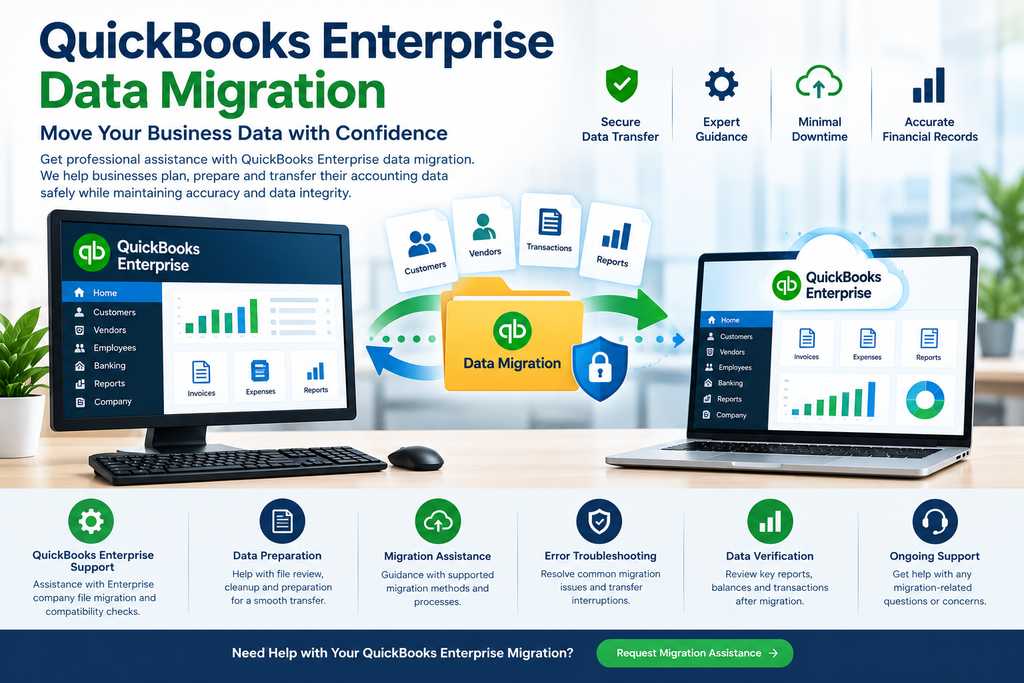
QuickBooks Enterprise Data Migration
Businesses using QuickBooks Enterprise may have more complex accounting requirements, larger company files, specialized reports, inventory workflows, or other features that need consideration before migration.
Our QuickBooks Enterprise migration assistance helps businesses evaluate their existing accounting environment and identify requirements that could affect the transfer process.
We can help you understand compatibility considerations, company file preparation, reporting requirements, and the importance of checking financial data after migration.
The appropriate migration method depends on your source product, destination platform, company file, and required features.
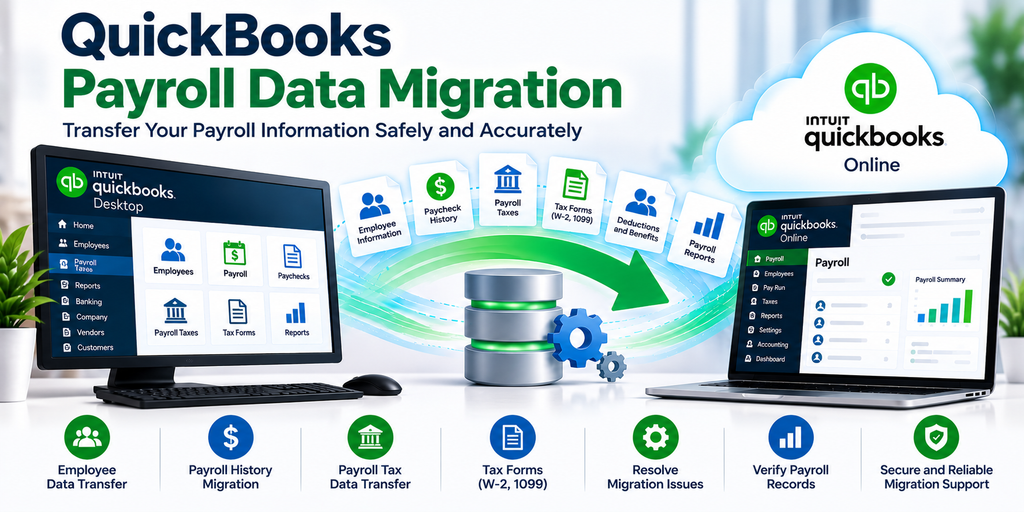
QuickBooks Payroll Data Migration
Payroll information requires special attention when transferring accounting data between QuickBooks products or platforms.
Depending on the products involved, payroll-related information may include employee records, payroll transactions, historical payroll details, tax information, and payroll reports.
Not all payroll information necessarily transfers through every migration method. Payroll subscriptions, service availability, tax settings, and historical records may require separate review.
Our QuickBooks payroll migration assistance helps customers identify relevant requirements and understand which information needs to be checked before and after migration.
We recommend verifying payroll records and relevant tax information before relying on migrated data for payroll processing or reporting.
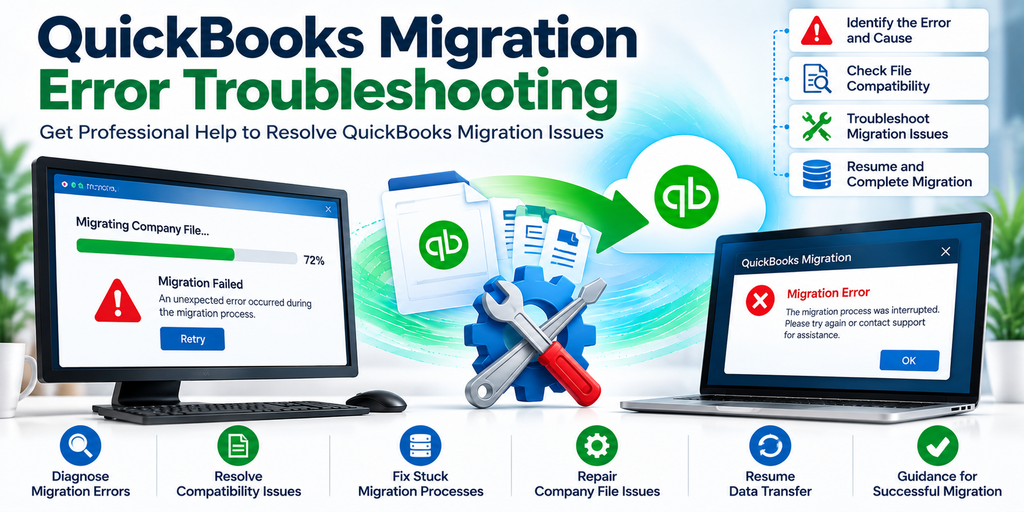
QuickBooks Migration Error Troubleshooting
Migration errors can interrupt the transfer process or prevent a company file from being migrated successfully.
Common problems include incomplete transfers, compatibility errors, migration processes that appear stuck, and discrepancies in accounting information after migration.
Our QuickBooks migration troubleshooting assistance focuses on understanding the issue, identifying potential causes, and evaluating appropriate next steps.
The troubleshooting process depends on the QuickBooks version, migration method, company file condition, and the error message displayed.
Common QuickBooks Data Migration Problems
QuickBooks data migration does not always proceed as expected. Understanding common problems can help you prepare your accounting data and determine when additional technical assistance may be necessary.
QuickBooks Migration Stuck During Processing
A migration process that appears stuck may require further investigation. The time required can vary depending on company file size, internet connectivity, data complexity, and the migration method being used.
Avoid repeatedly restarting the process without checking its current status and the instructions for your particular migration method.
QuickBooks Desktop to Online Migration Failed
A failed migration may be associated with compatibility limitations, company file problems, unsupported features, or other technical issues.
Review the error message and confirm that your source product and company file meet the destination platform’s requirements before trying again.
Missing or Mismatched Accounting Data
After migration, some customers may notice differences between financial reports, account balances, or transaction records.
Compare reports using consistent reporting dates and accounting settings. Investigate discrepancies before relying on the migrated information for business decisions or financial reporting.
QuickBooks Payroll Data Not Transferring Correctly
Payroll information may require additional attention because payroll features and historical records can differ between products.
Review the supported migration options and verify relevant employee information, payroll reports, and tax records before processing payroll.
Large QuickBooks Company File Migration Issues
Larger company files may require additional preparation and time. File condition, transaction volume, and the migration method can affect the process.
Create a verified backup and review the recommended requirements for your destination platform before starting the migration.
QuickBooks Company File Errors Before Migration
A company file that is damaged or producing errors may need troubleshooting before migration can proceed.
Investigate the underlying problem and confirm that the file is suitable for the intended migration process.
Need help identifying a migration problem? Contact QB Desktop Accounting to discuss your QuickBooks product, company file, and migration requirements
How to Prepare Your QuickBooks Data for Migration
Preparing your company file before migration can help you identify potential problems and make the process easier to review.
Step 1: Identify Your Current and Destination Products
Confirm which QuickBooks Desktop version or other accounting product you currently use and which platform you plan to move to.
The source and destination products determine which migration methods are available and what information can be transferred.
Step 2: Create a Company File Backup
Create a backup of your original QuickBooks company file before attempting migration or making changes to your accounting data.
Store the backup securely and verify that it can be accessed when needed.
Step 3: Review Important Financial Reports
Generate relevant reports from your existing accounting system, including the trial balance, balance sheet, profit and loss statement, accounts receivable, and accounts payable.
These reports can help you compare financial information after migration.
Step 4: Identify Specialized Accounting Requirements
Review whether your company uses payroll, inventory, multicurrency, custom reports, recurring transactions, or other specialized features.
Some features may require additional planning or may behave differently in the destination product.
Step 5: Check Company File Compatibility
Review the destination platform’s migration requirements and confirm that your company file and essential workflows are supported.
Address significant file errors or compatibility concerns before proceeding.
Step 6: Plan Your Post-Migration Review
Decide which reports, balances, and transaction records you will compare after migration.
A planned review helps identify discrepancies before you rely on the migrated data for regular accounting operations.
Our QuickBooks Data Migration Process
We follow a structured approach to help customers understand their migration requirements and address potential problems.
1. Initial Consultation
We discuss your current QuickBooks product, intended destination, company file size, and business requirements.
2. Company File Assessment
We review the available information about your company file, compatibility requirements, and potential migration challenges.
3. Migration Preparation
We help identify relevant backup requirements, file preparation steps, and specialized accounting information that may need attention.
4. Migration Assistance
We provide guidance or assistance with the supported migration process, depending on your product, requirements, and the scope of service agreed upon.
5. Post-Migration Data Verification
We help review relevant financial reports and accounting records to identify discrepancies that may require further investigation.
The time required and the outcome of a migration depend on the company file, source and destination products, and applicable technical limitations.
How to Verify Your Accounting Data After Migration
Completing a data transfer is only one part of the migration process. Reviewing your accounting records helps you determine whether the migrated information is consistent with your original records.
After migration, consider reviewing the following:
- Trial Balance: Compare account balances using the same reporting date and accounting method.
- Profit and Loss Statement: Check income, expenses, and net profit for a consistent reporting period.
- Balance Sheet: Review assets, liabilities, and equity.
- Accounts Receivable: Check customer balances and outstanding invoices.
- Accounts Payable: Review vendor balances and unpaid bills.
- Bank and Credit Card Accounts: Compare balances and relevant transaction records.
- Transaction History: Check important invoices, payments, journal entries, and other accounting transactions.
- Payroll Records: Where applicable, verify employee information, historical payroll details, and relevant tax records.
If you identify differences, investigate them before relying on the migrated records for financial reporting or tax-related work.
The exact verification steps depend on the QuickBooks products involved and the information supported by the migration method.
Who Needs QuickBooks Data Migration Services?
Small and Medium-Sized Businesses
Businesses changing accounting platforms or upgrading their accounting software may need assistance evaluating their company files, migration requirements, and financial reporting needs.
Accountants and Bookkeepers
Accounting professionals may need to move client company files, review compatibility, and verify accounting information after a supported migration.
CPA and Tax Preparation Firms
Tax professionals may need to preserve access to relevant financial records and review historical accounting information when clients change platforms.
Businesses Moving to Cloud Accounting
Organizations transitioning from desktop software to an online accounting platform may need help understanding supported data transfers, payroll considerations, and changes to existing workflows.
Companies Using QuickBooks Enterprise
Businesses with larger company files or specialized accounting requirements may benefit from reviewing compatibility and migration options before making changes to their accounting environment.
Why Choose QB Desktop Accounting for Migration Assistance?
Choosing an appropriate migration approach requires understanding your accounting environment and the limitations of the products involved.
QB Desktop Accounting provides QuickBooks-focused technical assistance to help customers evaluate migration requirements, prepare company files, troubleshoot common problems, and review accounting data after migration.
Our approach focuses on:
- Understanding your current accounting software and migration goals.
- Identifying compatibility requirements before proceeding.
- Helping prepare company files for supported migration workflows.
- Troubleshooting common migration interruptions and errors.
- Explaining payroll and other specialized data considerations.
- Reviewing important accounting records after migration.
We aim to help businesses understand their options and make informed decisions about moving their accounting information.
The services available depend on your QuickBooks product, company file condition, migration requirements, and the agreed scope of assistance.
Frequently Asked Questions About QuickBooks Data Migration
A QuickBooks data migration service helps businesses transfer supported accounting information from one QuickBooks product or accounting environment to another. The process may involve company file preparation, compatibility checks, data transfer assistance, troubleshooting, and post-migration verification.
Yes, supported QuickBooks Desktop company files can be migrated to QuickBooks Online using an applicable migration method. However, eligibility, supported records, and available features depend on the products involved and the condition of your company file.
Not necessarily. The information transferred depends on the source product, destination product, and migration method. Some records, features, reports, or historical details may require separate handling or may not be supported.
Some payroll-related information may be transferred, depending on the products and migration method. Employee records, historical payroll details, tax information, and payroll settings should be reviewed carefully before and after migration.
Migration time varies depending on company file size, data complexity, compatibility, internet connectivity, and the migration method. Some migrations may finish relatively quickly, while others require additional preparation or troubleshooting.
Check the migration status and follow the instructions provided for your specific migration process. Avoid repeatedly restarting the transfer without understanding its status. If the problem continues, record any error message and seek appropriate technical assistance.
A large company file may be eligible for migration, but file size, data complexity, product limitations, and destination requirements can affect the process. Review compatibility requirements before starting.
Yes. Create and verify a backup of your original company file before migration. Keep the backup secure so you have a copy available if troubleshooting or further review becomes necessary.
Compare relevant reports, including the trial balance, balance sheet, profit and loss statement, accounts receivable, and accounts payable. Use consistent reporting dates and accounting settings, and investigate discrepancies before relying on the migrated records.
Contact Qube Business Solutions at +1 888 380 2627 or submit an inquiry through our website. Be prepared to provide your current QuickBooks product, intended destination, approximate company file size, and a description of the migration problem or requirements.
Need Help with QuickBooks Data Migration?
Moving your accounting data requires careful preparation, compatibility checks, and a review of the resulting financial records.
Qube Business Solutions can help you discuss your migration requirements, understand potential limitations, and explore available assistance for your QuickBooks environment.
Whether you are considering a Desktop-to-Online transition, a supported Desktop version change, company file conversion, or migration troubleshooting, our team can help you understand the next steps.
Contact Qube Business Solutions today to discuss your QuickBooks data migration requirements.
Phone: +1 888 380 2627